 iStateBar
iStateBar guide
Mac Temperature & Fan Speed Monitor
Keep thermal readings visible alongside your workload. A chart gives context; a compact temperature or fan ring keeps the bar small.
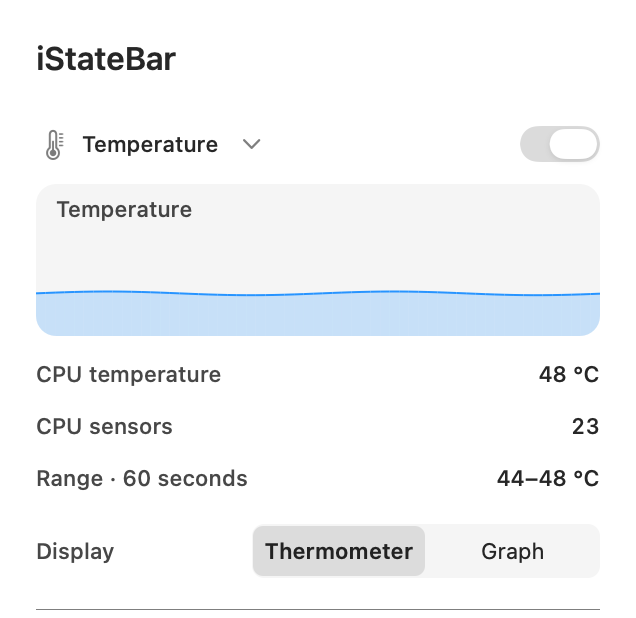
Temperature at a glance
The Temperature module shows the available CPU temperature reading and a recent range. Choose a thermometer or graph for the menu bar. A short history lets you see the change when a workload starts or finishes without constantly opening the panel.
Read fan speed in RPM
On a Mac with fans, the Fan module shows available fan speeds and maximum readings. Use a compact ring or a history chart. Fan animation can be Off, Efficient or Smooth. iStateBar monitors fan speed; it does not provide manual fan control.
Why is there no Fan module on a MacBook Air?
Fanless Macs have no physical fan to report. iStateBar hides the Fan module on detected fanless hardware instead of leaving an empty or disabled block. A missing reading on a Mac that does have fans can also result from hardware or macOS differences.
Website edition and hardware readings
The direct-download edition includes hardware monitoring, so you do not need an extra plugin for supported fan, temperature and GPU readings. The planned App Store edition uses an optional iStateBar Sensors companion. The set of readings depends on the computer; no app can display a physical sensor or fan that is absent.
Try it on your Mac.
7 days. All features. No signup.